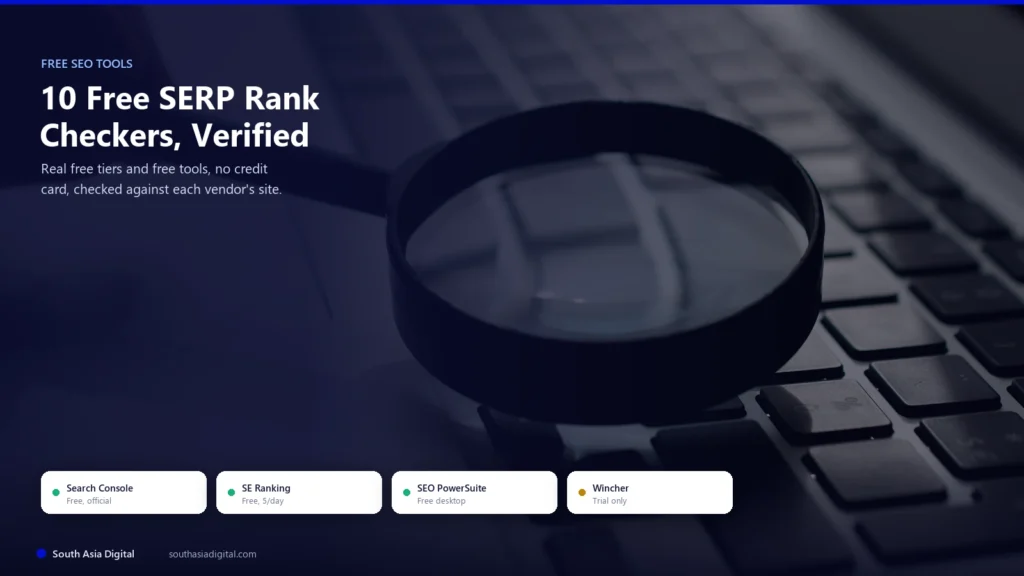
Checking where a page ranks on Google shouldn’t require a $129-a-month subscription. If you just want to know your position for one keyword right now, or you’re a solo site owner who only checks rankings a few times a week, not running client reports every day, a genuinely free tool can cover that without a credit card anywhere near it.
“Free” in this category means two different things, and a lot of roundups blur them together. Some tools are permanently free (Google Search Console, a handful of standalone checker pages, one real desktop app). Others are a 7 or 14-day free trial that quietly needs a card and converts to a paid plan, which isn’t free, it’s a sales funnel. This article only covers the first kind: a real free tier, a free registered account with a genuine ongoing allowance, or a free one-time/limited checker anyone can use without paying.
Ten tools made the cut after checking each one directly against its own current site: Google Search Console, SE Ranking’s free SERP checker, Ubersuggest, Mangools’ SERPChecker, AccuRanker’s free Live SERP Checker, SEO PowerSuite’s Rank Tracker desktop app, Seobility, SmallSEOTools, Whatsmyserp, and Serprobot. A few well-known names that get recommended constantly in this space, Serpstat, Rank Math, Wincher, and ProRankTracker, didn’t qualify, and exactly why is covered honestly further down.
Key Takeaways
- Start with Google Search Console, not a third-party tool: it’s free, official, and shows your site’s real position data straight from Google, not an estimate.
- Most “free” rank checkers are spot-checkers, not trackers: Whatsmyserp, SmallSEOTools, Serprobot, and AccuRanker’s checker give you today’s position for one search, with nothing saved for tomorrow.
- The most generous free option for ongoing tracking is a desktop download: SEO PowerSuite’s Rank Tracker tracks unlimited keywords for free, with the tradeoff of no cloud dashboard or scheduled checks.
- Four commonly recommended tools didn’t qualify as genuinely free: Serpstat’s “free” tier is actually a $1 paid trial that auto-renews, Rank Math’s free plugin doesn’t include rank tracking at all, Wincher only offers a 10-keyword trial, and ProRankTracker has no free plan.
- Free tools trade away history, scale, and local precision: daily check limits, no ranking-trend graphs, and thin city-level/mobile SERP data are the real, honest tradeoffs against a paid tracker.
- None of this is the same category as AI-visibility tracking: these tools check where you sit in Google’s actual search results, not whether ChatGPT or an AI Overview mentions your brand. Checking that is a separate job, with its own set of tools built specifically for it.
The 3 Kinds of “Free” in This Category
Before comparing tools one by one, it helps to know what kind of free you’re actually getting, because the three types behave very differently once you sit down to use them.
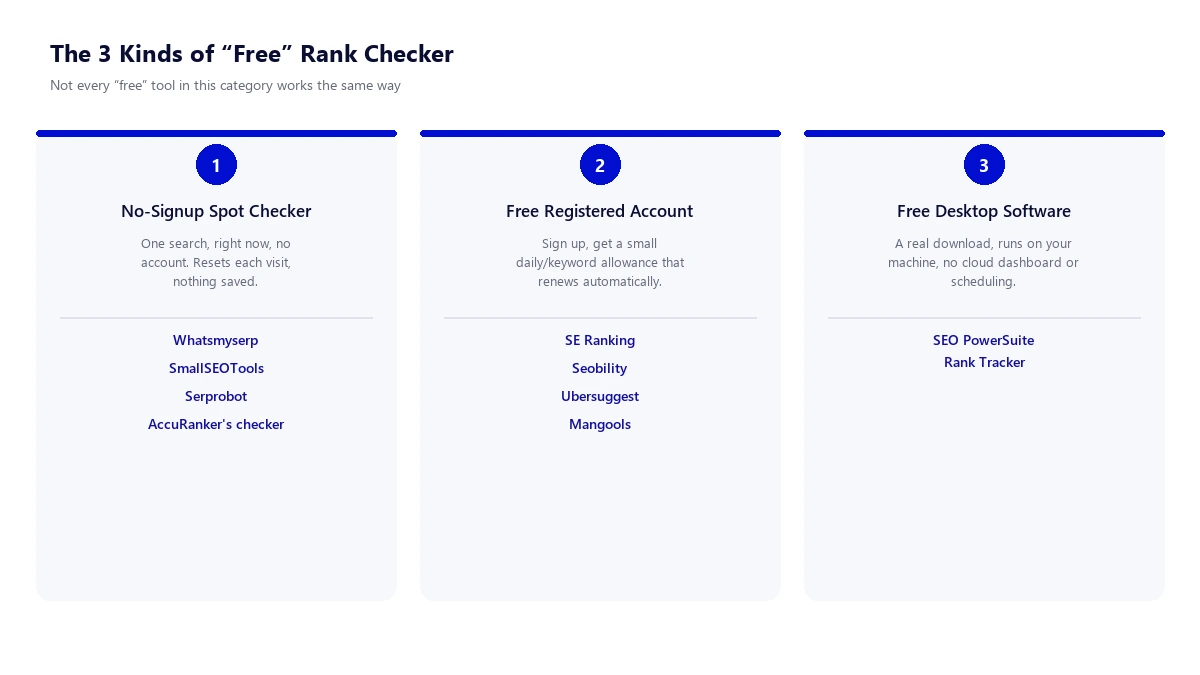
A no-signup spot checker (Whatsmyserp, SmallSEOTools, Serprobot, AccuRanker’s own checker) is the fastest way to get one answer right now, and the least useful for tracking anything over time, since nothing is saved between visits. A free registered account (SE Ranking, Ubersuggest, Mangools, Seobility past its no-login cap) trades five minutes of signup for a small ongoing daily or weekly allowance that renews on its own. Free desktop software (SEO PowerSuite’s Rank Tracker) is the odd one out: a real, permanent download with no keyword cap at all, at the cost of a cloud dashboard, scheduling, or a shareable client report.
10 Free Rank Checkers Compared
Every entry below was checked directly against the vendor’s own site as of this article’s publish date. Free-tier limits in this category change without much notice, so treat the numbers as a snapshot and re-check before relying on one for ongoing client work.
| Tool | Type of Free Access | Free Limit | Signup Required | Best For |
|---|---|---|---|---|
| Google Search Console | Permanent, official, free | 1,000 rows shown per query in the UI | Yes (Google account, site verification) | Real position data for your own site, first |
| SE Ranking Free SERP Checker | Free standalone tool | Around 5 checks/day | No | A quick, no-commitment single check |
| Ubersuggest | Free registered account | 25 tracked keywords, 1 project, weekly updates | Yes (free) | A small site’s first real tracked keyword list |
| Mangools SERPChecker | Free registered account | Small daily lookup cap | Yes (free, under a minute) | Occasional competitor SERP analysis |
| AccuRanker Free SERP Checker | Free standalone tool | Around 5 searches/day | No | One accurate check with real location control |
| SEO PowerSuite Rank Tracker | Free desktop software | Unlimited keywords, 1 project, no cloud sync | No (just a download) | Anyone comfortable with desktop software who wants no query cap |
| Seobility Ranking Checker | Free tool, more with free account | Small daily query cap without login | No for basic use, yes for more queries | Checking rankings for a specific city |
| SmallSEOTools Rank Checker | Free standalone tool | Up to 10 keywords per check | No | Checking several keywords for one page at once |
| Whatsmyserp | Free tool, more with free account | 10 searches/day logged out | No for basic use, yes for more | Seeing the full top 100, not just the top 10 |
| Serprobot | Free standalone tool | On-demand, no published fixed cap | No | A single on-demand check, no account at all |
10 Free SERP Rank Checker Tools Reviewed in Detail
Google Search Console
Google Search Console is the one tool on this list that isn’t really a “rank checker” at all, it’s Google’s own free reporting tool, and it should be the first thing any site owner sets up before touching a third-party checker. It shows the exact queries your pages already show up for, with real impression, click, and average-position data straight from Google’s own logs, not an estimate from a third-party crawler.
| Pricing | Free, permanently, for any site owner who can verify ownership |
| Key Features | Performance report (queries, clicks, impressions, average position), URL Inspection, index coverage, sitemaps, Core Web Vitals |
| Pros | First-party data straight from Google, not an estimate; free API access with a 50,000-row daily quota per property |
| Cons | Only shows your own site, not competitors; the web interface caps each query at 1,000 rows and data is retained for 16 months |
| Best For | Every site owner, before any third-party checker |
- Example: open the Performance report, filter by a query like “free rank checker tools,” and Search Console shows the average position across every day in the range, not a single number. If your page showed at position 3 for half the impressions and position 9 for the other half in a given week, the reported average position is the weighted mean of those, roughly 6, not a clean “you rank #3” or “#9” answer the way a spot checker gives you.
- Practical tip: filter by page plus query together, not query alone, before trusting a position number. A query that pulls in traffic from three different pages on your site will show a blended average across all three, which can look like a worse (or better) ranking than any single page is actually getting.
- Free API access lets you pull all your data programmatically past the 1,000-row UI limit
- 16-month data retention means older ranking history quietly disappears from the report
SE Ranking Free SERP Checker
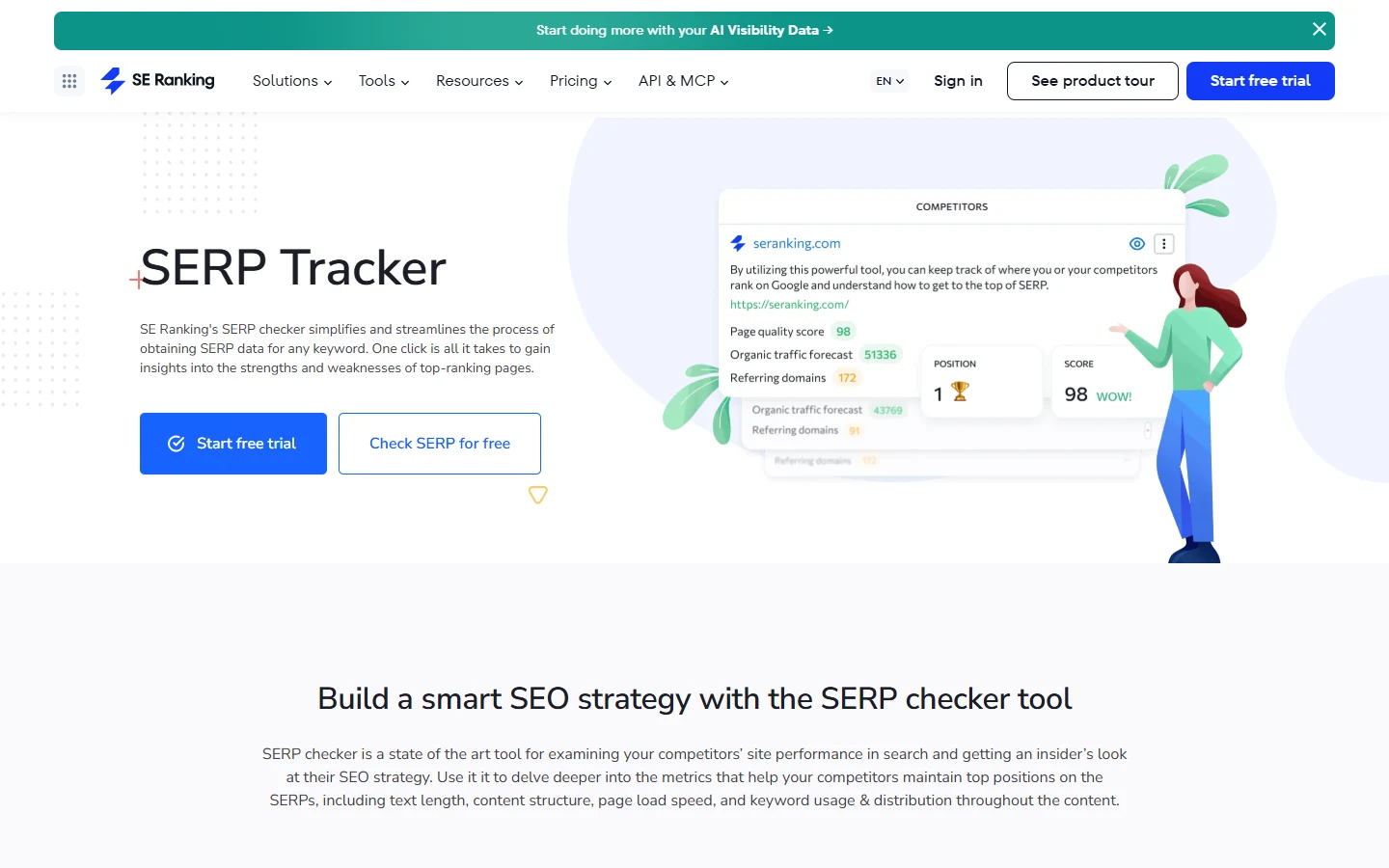
SE Ranking publishes a standalone free SERP checker separate from its paid rank-tracking platform, letting you check where a domain ranks for a keyword without starting the trial or entering payment details.
| Pricing | Free tool, no account needed; SE Ranking’s own paid platform starts around $52 to $103/mo for ongoing tracking |
| Key Features | One-off keyword position check, competitor SERP snapshot, page quality score, organic traffic forecast on the result |
| Pros | Results come with extra context (referring domains, traffic forecast) most free checkers skip |
| Cons | A handful of checks a day before it nudges you toward the paid trial |
| Best For | A quick check with more surrounding context than a bare position number |
- Example: enter “free rank checker tools” and your domain, and the checker returns your position alongside the top-ranking competitor’s page quality score, its referring domain count, and an estimated organic traffic forecast, three data points a bare SERP position alone doesn’t tell you about the page you’re up against.
- Practical tip: use the free checker to sanity-check a single important keyword before deciding whether the paid platform’s unlimited research is worth it, instead of building a habit of checking the same list of keywords here daily.
- Includes desktop and mobile result differences, not just one blended number
- Same underlying SERP data engine as SE Ranking’s paid Core plan, just capped for free use
Ubersuggest
Ubersuggest is the only tool on this list with a genuine free registered account that behaves like a small, permanent rank-tracking project, not just a one-off spot check, though the tradeoff is that it only refreshes weekly.
| Pricing | Free account (1 project, 25 tracked keywords) · Individual $12/mo for more projects and daily updates |
| Key Features | Tracked keyword list with weekly desktop position updates, up to 2 competitors compared, 3 free searches/day elsewhere in the tool |
| Pros | A real saved keyword list that updates on its own, not a checker you have to remember to revisit |
| Cons | Weekly updates only, desktop rankings only, no daily option even on the free plan |
| Best For | A small site’s first real tracked keyword list, checked weekly rather than daily |
- Example: add a list of 25 keywords for a single small site to Ubersuggest’s free project, and every week the dashboard refreshes each keyword’s desktop position and shows the week-over-week move, up or down, without you having to run a manual check yourself.
- Practical tip: pick your 25 keywords deliberately, not just your biggest head terms. Twenty-five is a real constraint, so prioritize the keywords you’re actively trying to move, not ones you’re only curious about.
- Free plan allows comparing your rankings against up to 2 competitor domains
- No daily refresh option exists on any Ubersuggest plan, paid or free, this is a platform-wide limit
Mangools SERPChecker
Mangools runs SERPChecker as a permanently free tool inside its broader KWFinder suite, aimed less at “what’s my rank” and more at analyzing the competitive strength of everyone already ranking for a keyword.
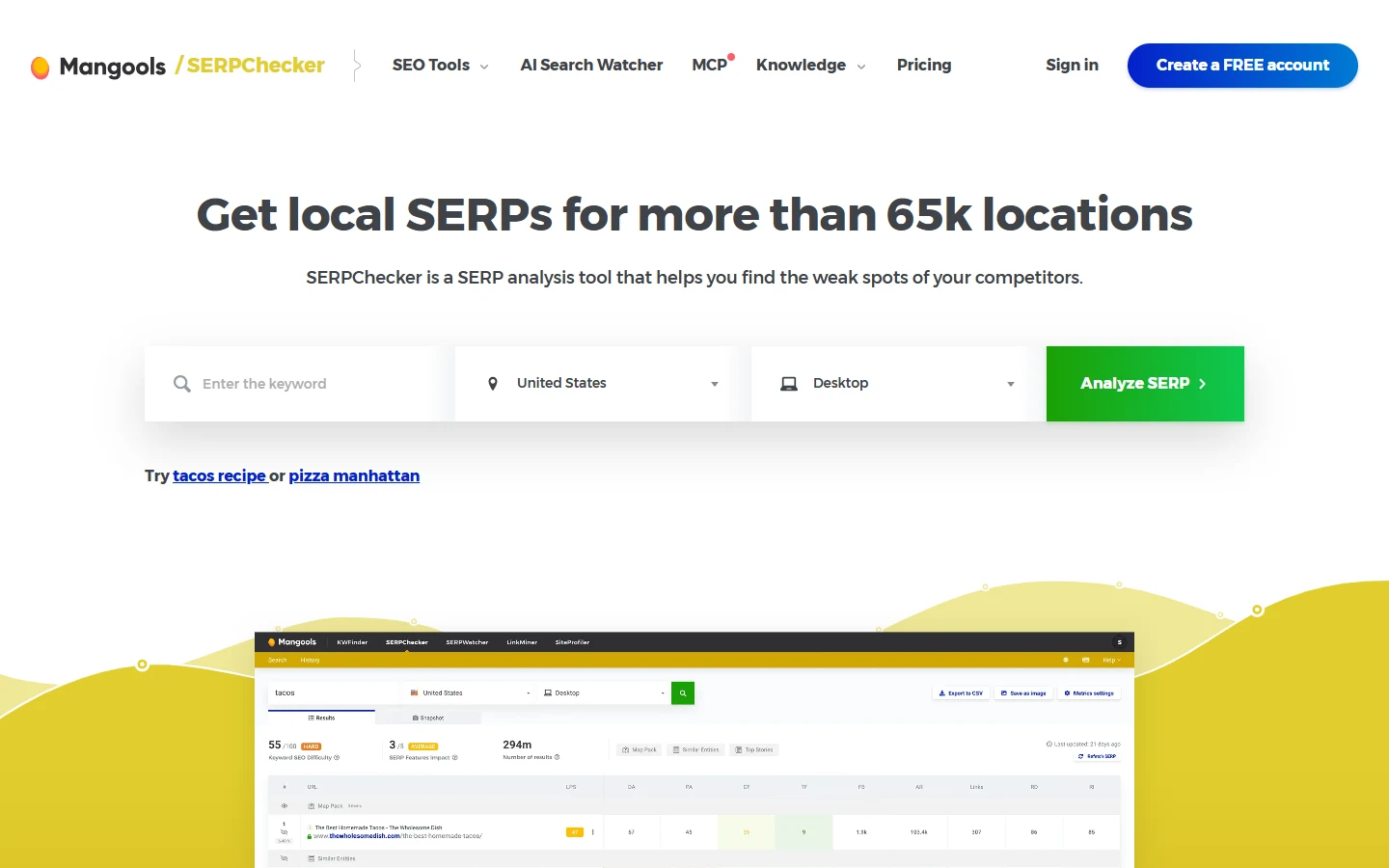
| Pricing | Free account with a low daily lookup cap · a 10-day Free+ trial temporarily raises the limit · Basic plan from $37.70/mo annual |
| Key Features | Keyword difficulty score, SERP features present (map pack, top stories), per-result link/domain authority metrics, local results for 65,000+ locations |
| Pros | Genuinely deep local-location coverage for a free tool, useful for checking a very specific city or region |
| Cons | The permanent free tier’s daily lookup allowance is small, the 10-day elevated-limit trial is temporary |
| Best For | Analyzing why competitors outrank you for one keyword, not daily monitoring |
- Example: run “pizza manhattan” through SERPChecker and it doesn’t just show your position, it scores the keyword’s overall difficulty, flags that a Map Pack and Top Stories block are eating into organic clicks, and shows each ranking page’s individual link-strength metrics side by side, useful for judging whether it’s realistically worth targeting before you write anything.
- Practical tip: save the free lookups for keywords you’re seriously evaluating, not casual curiosity checks, since the permanent free allowance resets daily but is genuinely small.
- Signup takes under a minute and unlocks the free daily allowance immediately
- Local coverage down to a specific city is unusually deep for a free tier in this category
AccuRanker Free SERP Checker
AccuRanker’s own paid rank-tracking platform isn’t free at all, plans start around $224/month with only a paid trial available, but the company separately publishes a genuinely free, no-signup Live SERP Checker as its own standalone tool, and it’s worth using on its own merits.
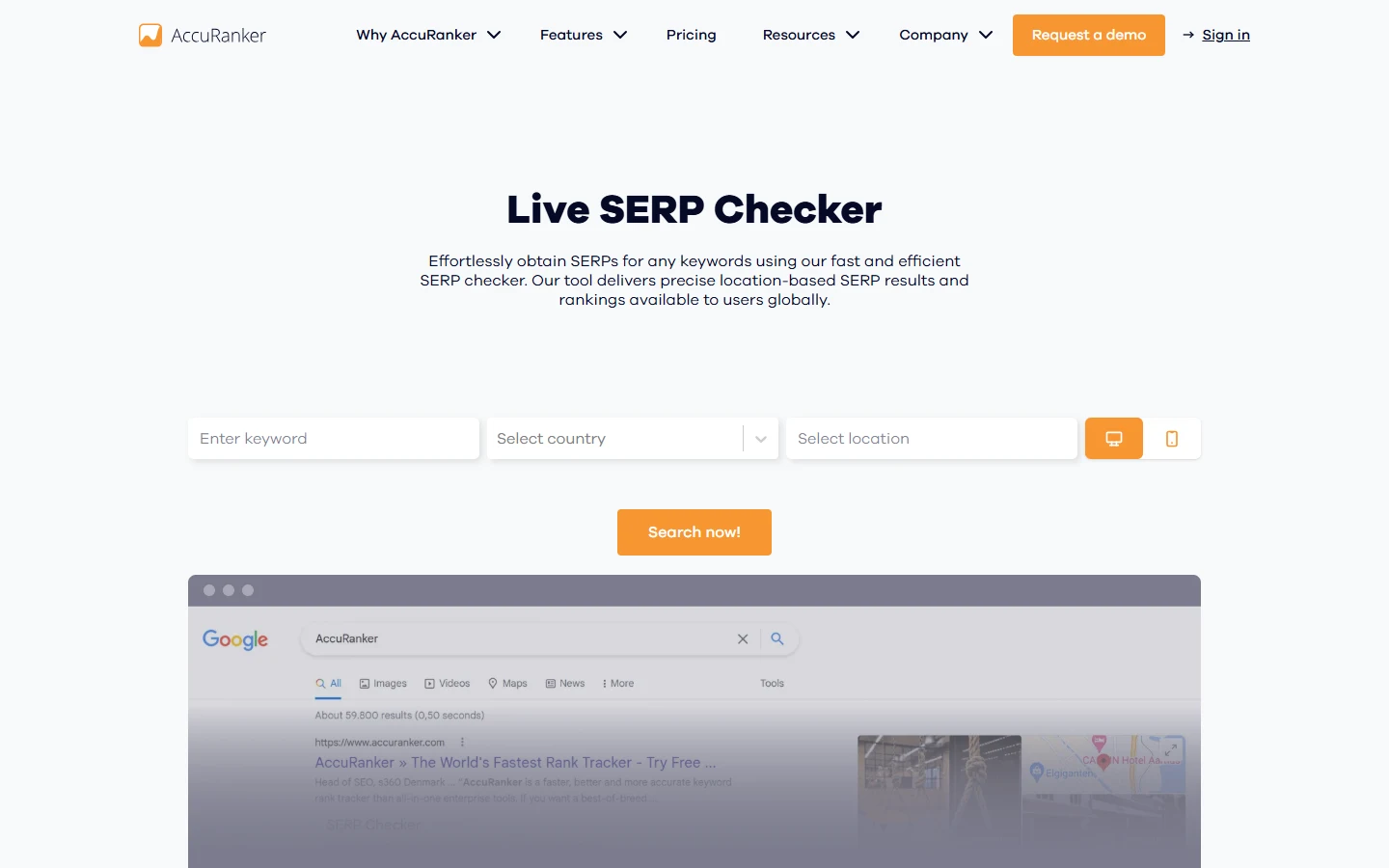
| Pricing | Checker tool itself is free, no account · AccuRanker’s paid platform starts near $224/mo with a paid trial only, not free |
| Key Features | Live SERP lookup by exact location, desktop or mobile, shows organic results, paid ads, and People Also Ask on the same result |
| Pros | Built by a company whose entire paid product is rank-tracking accuracy, so the free checker’s data quality is credible |
| Cons | A marketing tool for a very expensive product, don’t confuse it with a free version of AccuRanker itself |
| Best For | A single accurate check where exact location and device matter |
- Example: checking “coffee shop near me” from a specific city shows the real Map Pack and organic results a searcher there would actually see, including which paid ads are running, useful for confirming a local ranking claim without guessing at how location-sensitive the result is.
- Practical tip: don’t mistake this free checker for a trial of AccuRanker’s real product. It’s a separate, permanently free marketing tool with none of the historical tracking or reporting the paid platform is actually built for.
- Shows both desktop and mobile results for the same query, side by side
- No daily limit is published on the page itself, though heavy automated use will likely get rate-limited
SEO PowerSuite Rank Tracker
SEO PowerSuite’s Rank Tracker is the most generous genuinely free option on this list for anyone willing to run desktop software instead of a browser tool, tracking unlimited keywords with no recurring cost at all.
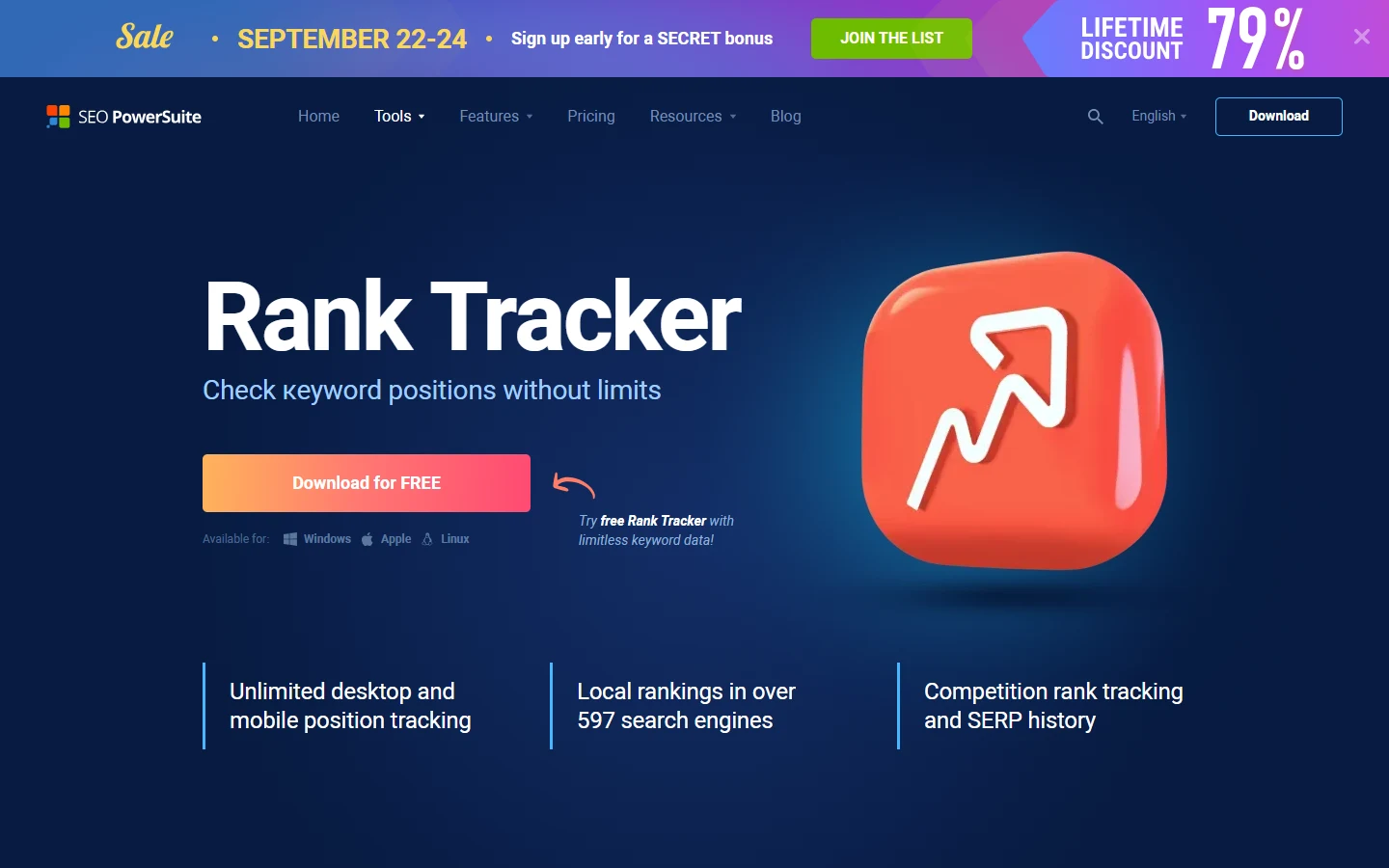
| Pricing | Free, permanent desktop edition, Windows/Mac/Linux · paid Professional license adds scheduling and reporting |
| Key Features | Unlimited keyword tracking on one project, checks against Google, Bing, YouTube, and hundreds of other search engines, local and global rankings |
| Pros | No keyword cap at all, unusual for anything free in this category, and it’s a real permanent tool, not a trial |
| Cons | Runs on your own machine, so checks only happen when you open it, no cloud dashboard, scheduling, or hosted client reports on the free edition |
| Best For | Anyone tracking more keywords than any free web tool allows, who doesn’t need a shared cloud dashboard |
- Example: load 200 keywords for one site into the free desktop project, more than every other free tool on this list combined would allow, and run a full check whenever you open the app; the software queries each search engine directly and reports position, URL, and movement since the last run, all stored locally on your machine.
- Practical tip: set a personal habit of opening the software on a fixed schedule (say, every Monday morning), since the free edition won’t check automatically in the background the way a cloud tool would.
- Free edition genuinely has no keyword-count ceiling, the limit is your own patience running manual checks
- No server-side automated checking on the free tier means the data is only as fresh as your last manual run
Seobility Ranking Checker
Seobility offers a free ranking checker with real city-level localization built in, useful for local businesses who need to know how they rank in a specific place, not just “somewhere.”
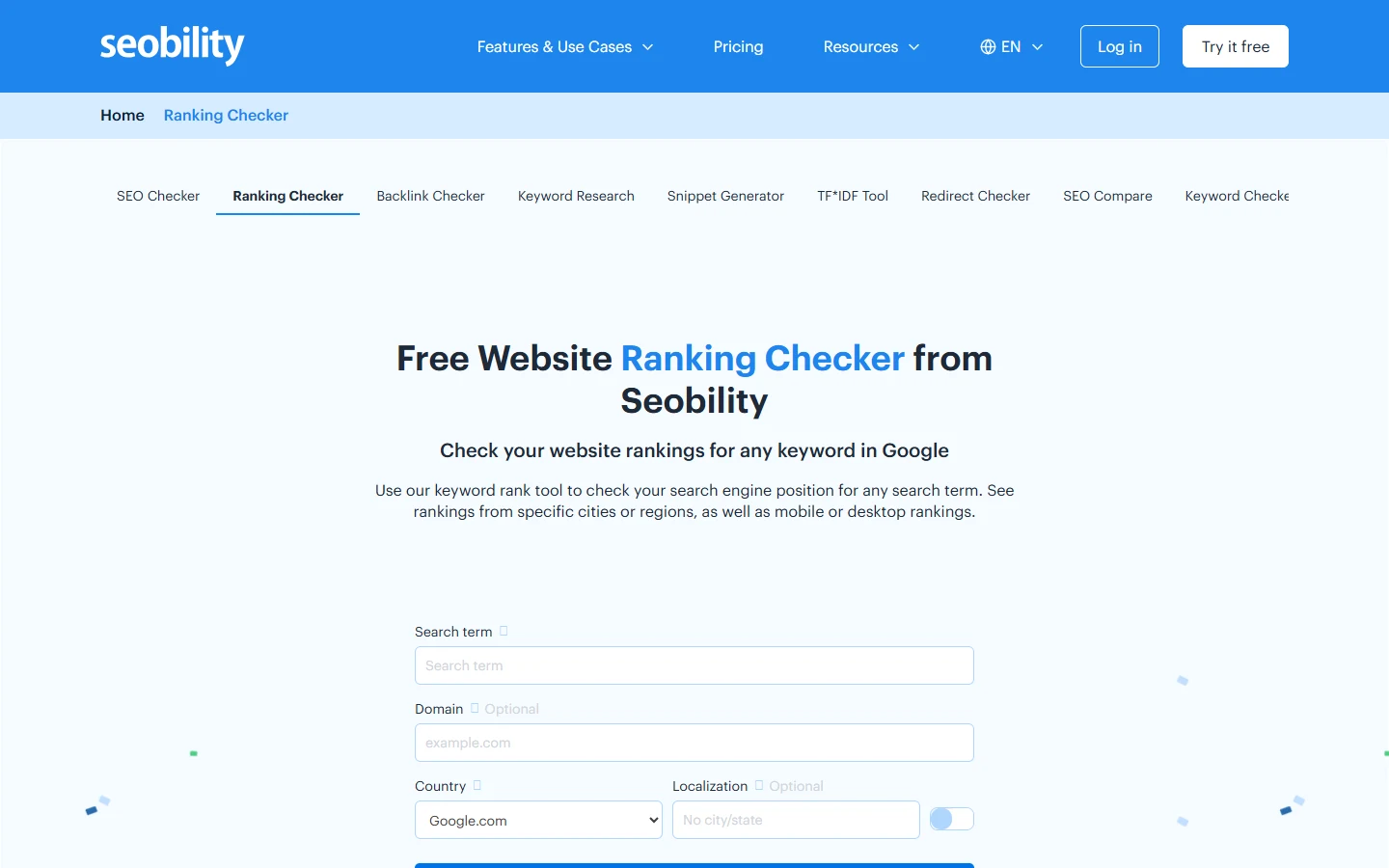
| Pricing | Free without login (small daily cap) · free signup for more queries/day · Premium plans exist for Seobility’s broader SEO suite |
| Key Features | Top 100 Google results for a search term, optional country and city-level localization, desktop and mobile results |
| Pros | City-level localization is genuinely rare among free checkers, most only offer country-level targeting |
| Cons | The no-login daily allowance runs out quickly if you’re checking more than a couple of terms |
| Best For | A local business checking its ranking in one specific city |
- Example: a plumber checking “emergency plumber” wants to know their rank in their own service city specifically, not the national average. Entering the city in the localization field returns the actual top 100 for that location, which can look completely different from the same search run without a city set.
- Practical tip: sign up for the free account before you run out of no-login queries for the day, rather than after, since the daily cap resets on a clock you don’t control.
- Shows desktop and mobile as two distinct results, not one blended figure
- Part of a broader free-tools suite (backlink checker, on-page checker) worth exploring from the same account
SmallSEOTools Rank Checker
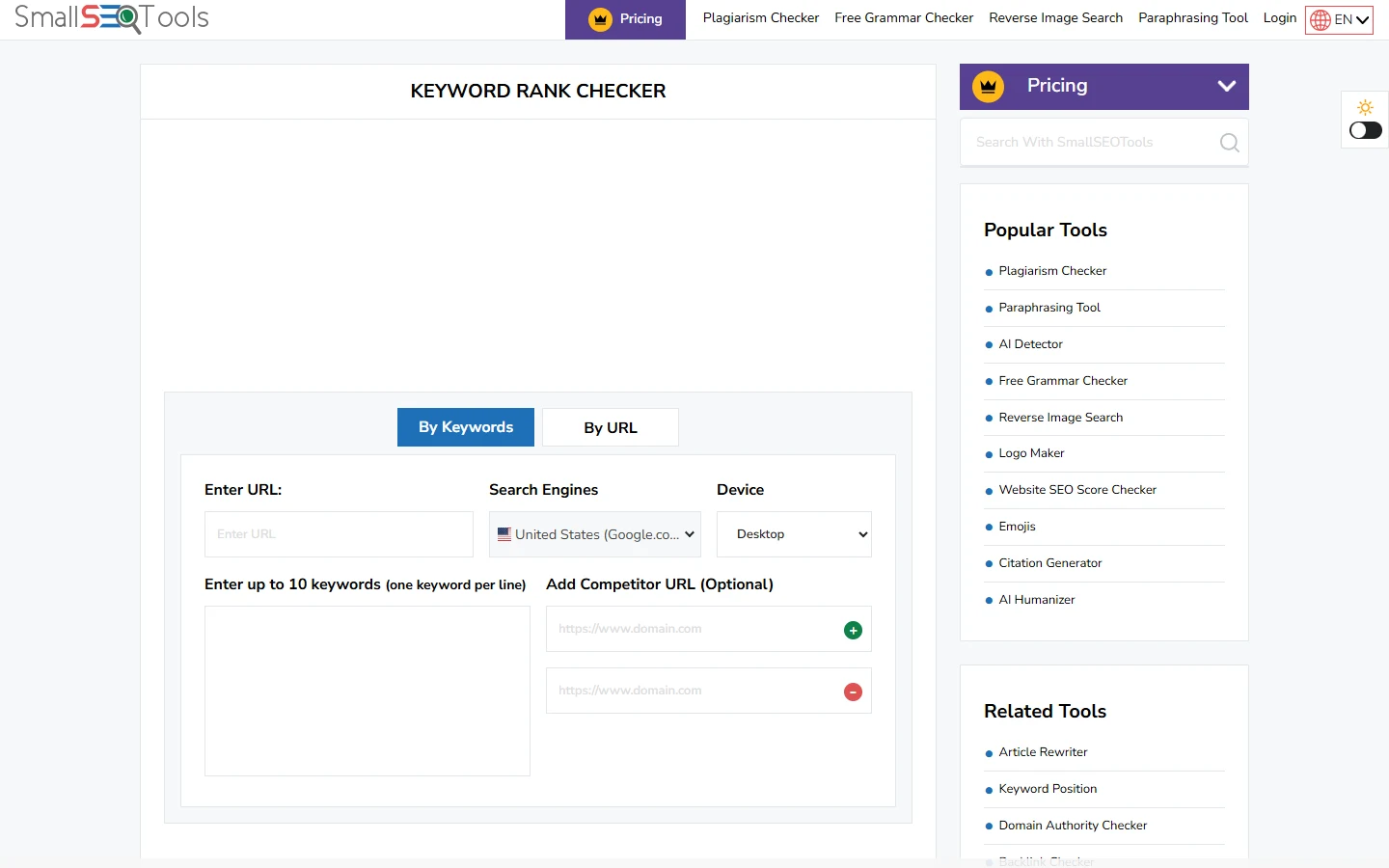
SmallSEOTools lets you check up to 10 keywords in a single pass, by keyword or by URL, without creating an account, which makes it the fastest way to check a small batch instead of one term at a time.
| Pricing | Free, no account required |
| Key Features | Up to 10 keywords per check, check by URL or by domain, choose the target country’s Google TLD and device, optional competitor URL comparison |
| Pros | Batching 10 keywords in one submission is faster than most single-keyword free checkers |
| Cons | No saved history between visits, part of a large, ad-supported general-utility site rather than a dedicated SEO tool |
| Best For | Checking several keywords for one page at once without opening ten separate tabs |
- Example: paste one URL and 10 related keywords a page is meant to target, and the tool returns each keyword’s current position for that specific URL in one table, faster than running the same 10 checks one at a time through a single-keyword tool.
- Practical tip: use the optional competitor URL field to check your position against a specific rival’s page for the same 10 terms in the same pass, instead of running two separate sets of checks.
- Supports checking by country-specific Google domain (google.co.uk, google.com.au, and similar)
- Results aren’t saved anywhere, so screenshot or export anything you want to reference later
Whatsmyserp
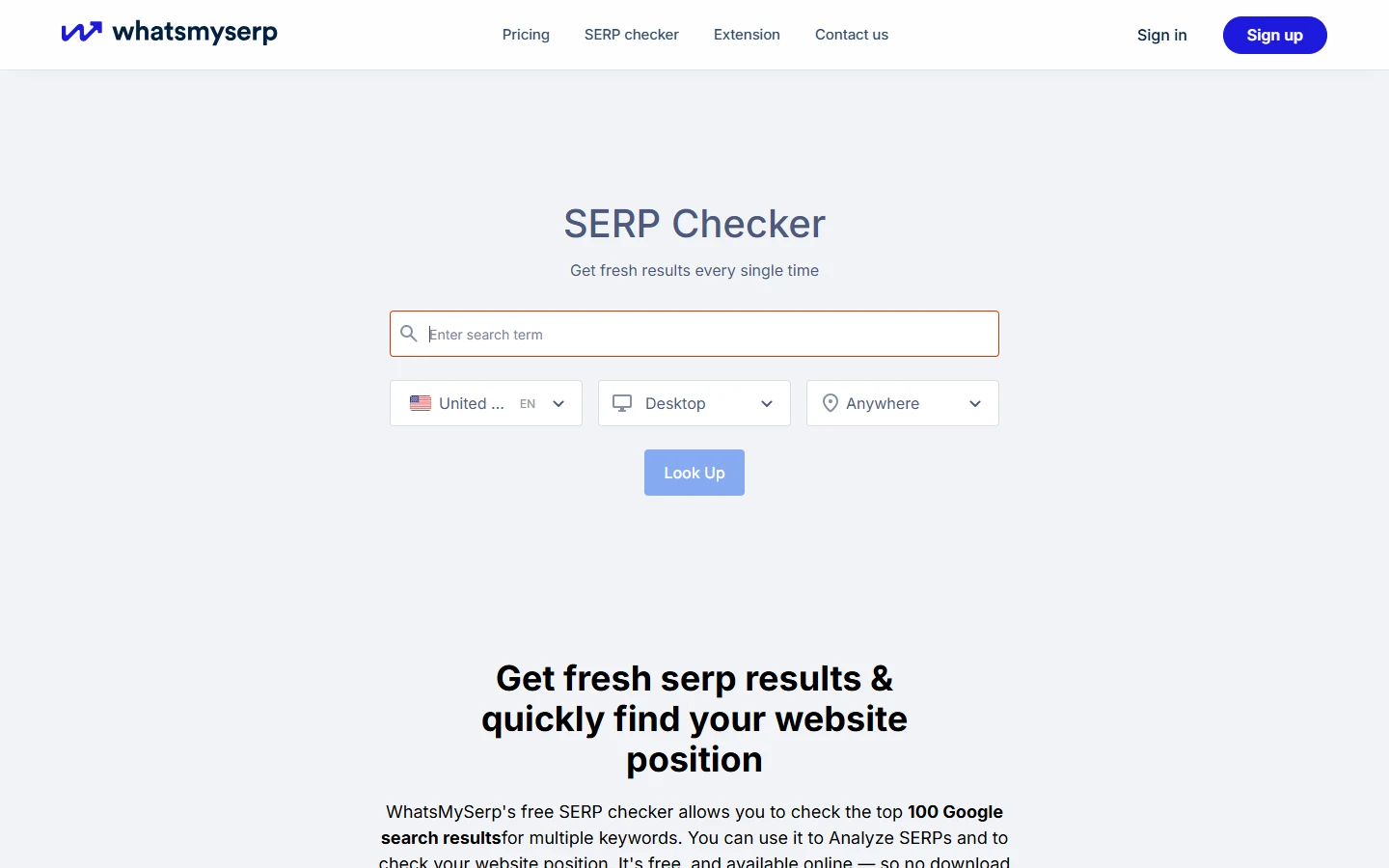
Whatsmyserp pulls the full top 100 Google results for a search term rather than stopping at the first page, which matters if the page you’re checking is sitting somewhere on page 3 or 4 and a top-10-only tool would just report “not found.”
| Pricing | Free without login (10 searches/day) · free signup unlocks more · paid plans exist for automated tracking |
| Key Features | Top 100 Google results per search, country and device targeting, your own domain highlighted directly in the results list |
| Pros | Full top-100 view instead of stopping at position 10 or 20 like many free checkers do |
| Cons | 10 free searches a day without an account isn’t much if you’re checking multiple pages |
| Best For | Finding a page that’s ranking further down than position 10, not just confirming it’s on page one |
- Example: a new blog post that’s been live for two weeks might not show up in a top-10-only checker at all. Running it through Whatsmyserp’s full 100-result view can locate it sitting at position 47, useful, real information a “not in top 10” result from a lighter tool would have hidden entirely.
- Practical tip: check newly published pages here first, before assuming a page “isn’t ranking” just because a quicker tool that only scans the first page came back empty.
- Highlights your own domain directly inside the results list instead of making you scan for it
- A free account increases the daily search allowance beyond the logged-out limit
Serprobot
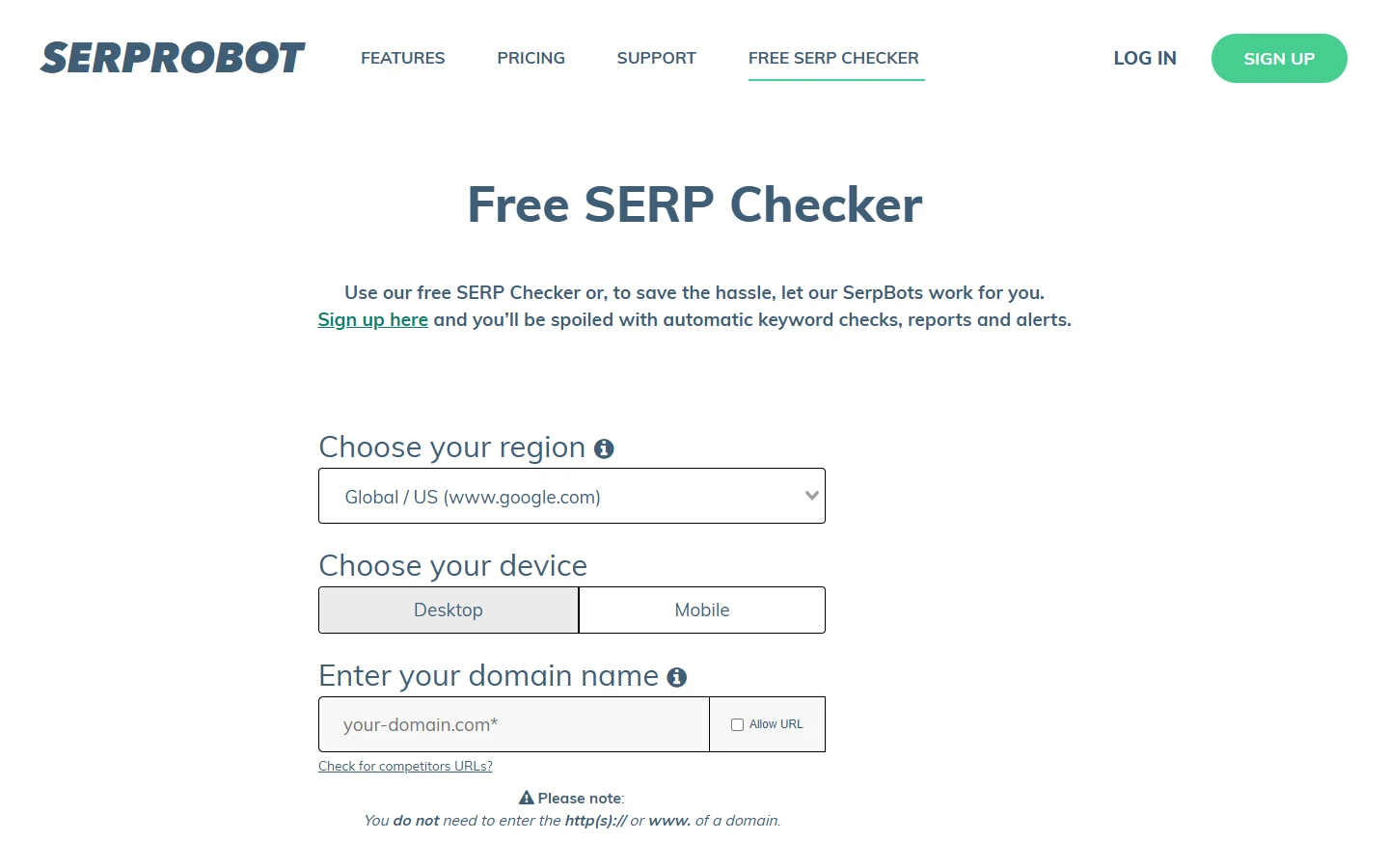
Serprobot runs a free on-demand spot checker directly on its homepage, separate from its paid automated “SerpBot” tracking product that starts near $4.99/month for 75 daily checks.
| Pricing | Free on-demand checker, no account · paid automated tracking from $4.99/mo for one bot (75 checks/day) |
| Key Features | Region and device selection, domain-only input (no https:// or www needed), competitor URL comparison option |
| Pros | Genuinely zero friction, no email, no account, just a domain and a region |
| Cons | No published fixed daily limit means results could get rate-limited unpredictably under heavy use |
| Best For | A single on-demand check with genuinely zero signup friction |
- Example: enter a bare domain like “example.com,” pick a region, and Serprobot returns the current position without asking for an email address first, useful when you want one answer and don’t want to manage another account.
- Practical tip: if you find yourself running the same check here more than once a week, that’s the actual signal to move to the paid $4.99/mo automated tier rather than continuing to check manually, the free spot checker was never meant to replace ongoing tracking.
- Domain-only input format is genuinely simpler than tools that require a full URL with protocol
- The paid tier’s $4.99/mo entry price is one of the cheapest real automated rank-tracking options anywhere, worth knowing about once the free checker stops being enough
What a Free Checker Actually Gives Up vs. a Paid Tracker
Every tool above is genuinely free, not a disguised trial. That doesn’t mean free and paid are interchangeable. It’s worth being honest about the real gap, not pretending a $0 tool does everything a $50-a-month one does.
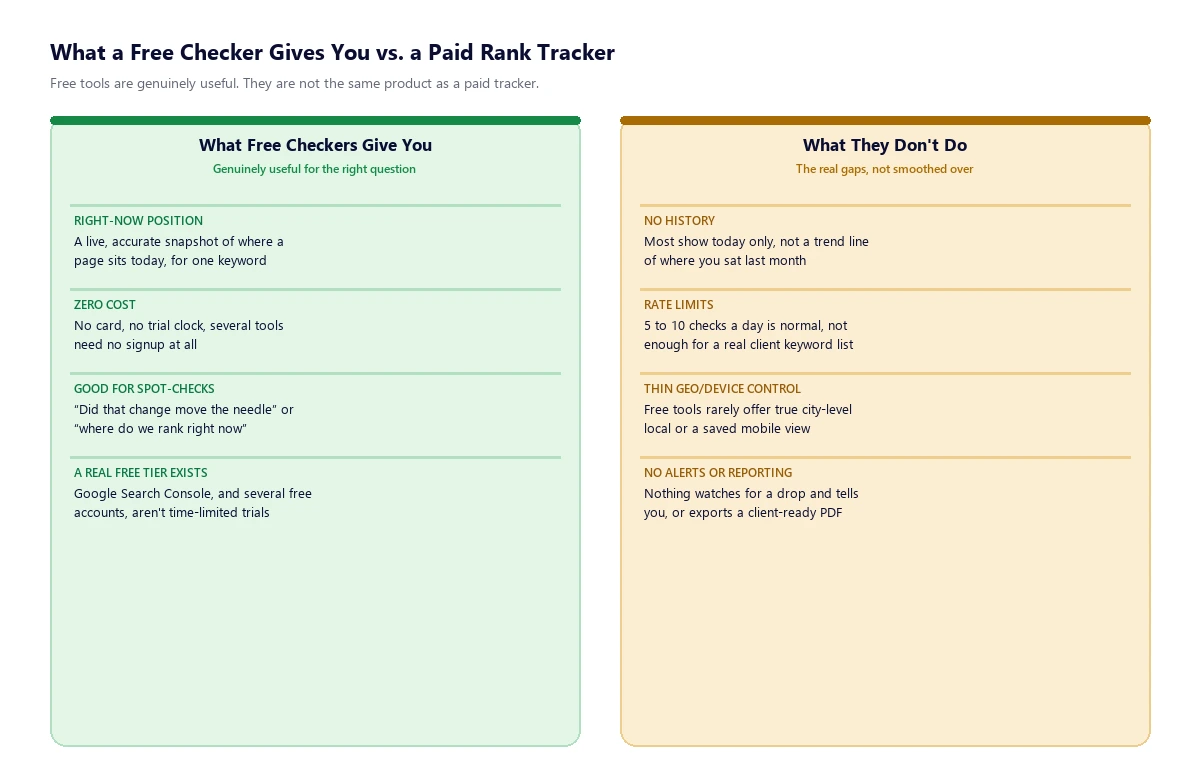
The single biggest thing free tools don’t do is show a trend. A paid rank tracker keeps a daily or weekly history for every keyword, so you can see a graph of your position climbing or falling over months. A free spot checker only ever answers “where do I rank right now,” and unless you’re manually logging every result yourself in a spreadsheet, there’s no record of where you sat last week to compare against. Rate limits are the second real constraint: 5 to 10 checks a day is normal for a free tool, workable for one site owner checking a handful of priority terms, not workable for an agency managing even a small handful of client keyword lists. Local and mobile precision is the third gap. A few tools here (Seobility, AccuRanker’s checker, Mangools) offer real city-level or device-specific targeting, but most free tools show a country-wide, desktop-only result that can differ meaningfully from what a searcher on their phone in a specific city actually sees. None of that makes free tools bad, it makes them the right tool for a specific, narrower job than a paid tracker is built for.
Four Tools That Didn’t Make the Cut, and Why
These four get recommended constantly in “free rank tracker” roundups. Checking each one directly against its own current site found they don’t actually qualify as genuinely free, and it’s worth explaining exactly why rather than just leaving them off silently.
- Serpstat: doesn’t have a free tier at all. Its “free trial” is a 7-day full-access trial that requires a $1 verification charge on your card (refunded within 5 to 30 minutes) and auto-renews into a paid plan if you don’t cancel first. A trial that needs a card on file to start isn’t free by this article’s own standard.
- Rank Math: the free version of this WordPress SEO plugin doesn’t include rank tracking at all, the feature is Pro-only, starting at a 500-keyword limit. Worth an honest note here since this site itself runs Rank Math for its own on-page SEO, but that has nothing to do with whether its rank tracker is free, and it isn’t.
- Wincher: a real, well-regarded rank tracker, but it has no permanent free plan, only a trial limited to 10 tracked keywords before you’re expected to pay from €49/month. Ten keywords for a limited time is a trial, not a free tier.
- ProRankTracker: has no free plan at all. Its free trial, when it’s available, still converts straight into a paid plan starting near $99/month, and at the time of writing it wasn’t even open to new signups.
How to Choose
Start with Google Search Console no matter what else you use, it’s the only tool here showing your actual position data rather than an estimate, and it’s already free for any site you own. Add a spot checker like Whatsmyserp or SmallSEOTools for one-off checks on a new page or a specific competitor comparison. If you want a small saved keyword list that updates on its own without checking manually, Ubersuggest’s free account is the most realistic option among the tools here, with the honest caveat that it only refreshes weekly. If the keyword count is the real constraint and you don’t mind desktop software, SEO PowerSuite’s Rank Tracker removes that ceiling entirely for free.
The point where free tools genuinely stop being enough is usually obvious: when you’re hitting a daily check limit regularly, when a client asks for a ranking-trend report you can’t produce from a spot checker’s single number, or when you need true local/mobile precision across dozens of keywords at once. That’s the point to look at a paid suite instead of stacking more free tools together: 11 real SEO suites that cost less than Ahrefs include proper rank tracking alongside backlinks, keyword research, and site audits, for readers who’ve outgrown what a free checker can do. And if what you’re actually trying to measure is whether ChatGPT or Google’s AI Overview mentions your brand, not where you sit in the classic blue-link results, that’s a different job entirely. Tools for tracking Perplexity and AI visibility specifically are built around that instead.
None of these tools, free or paid, can make Google rank a page higher on their own. They’re measurement tools, the actual work of improving a ranking still comes down to content quality, technical SEO, and the structural signals search engines and AI systems both reward, the kind of structural work entity mapping in SEO goes into in more depth than a tool roundup can. If you’d rather have the measurement and the actual ranking work handled together, South Asia Digital’s SEO services include rank tracking as part of standard technical and on-page work, not as a separate line item.
Frequently Asked Questions
What is the best free SERP rank checker?
Google Search Console is the essential starting point since it’s free, official, and shows real position data for your own site. For checking specific keywords or competitor pages beyond your own site, Whatsmyserp and SmallSEOTools are genuinely free with no signup, and SEO PowerSuite’s Rank Tracker is the most generous option for tracking a large keyword list without paying.
Is there a truly free rank tracker, not just a free trial?
Yes. Google Search Console, SE Ranking’s standalone SERP checker, Ubersuggest’s free account, Mangools’ SERPChecker, AccuRanker’s free Live SERP Checker, SEO PowerSuite’s Rank Tracker desktop edition, Seobility, SmallSEOTools, Whatsmyserp, and Serprobot are all genuinely free, not time-limited trials that require a card. Serpstat, Wincher, and ProRankTracker, despite being recommended often, only offer paid trials or no free plan at all.
Can I track keyword rankings for free without signing up?
Yes, several tools need no account at all: Whatsmyserp (10 searches/day), SmallSEOTools (up to 10 keywords per check), Serprobot (on-demand), AccuRanker’s Live SERP Checker, and SE Ranking’s free SERP checker. None of these save history between visits, they’re spot checkers, not ongoing trackers.
Does Google Search Console show exact keyword rankings?
It shows an average position, a weighted mean across every impression in the date range for a given query, rather than a single clean rank the way a spot checker does. A page that showed at position 3 half the time and position 9 the other half will report an average around 6, which reflects real search behavior more accurately than a single-number rank, but reads differently from what a third-party checker shows.
Why doesn’t Rank Math’s free version include a rank tracker?
Rank Math’s free WordPress plugin focuses on on-page SEO (metadata, schema, sitemaps), while its rank tracking feature is reserved for the paid Pro plan, which starts at a 500-keyword tracking limit. The free plugin does support unlimited focus keywords for on-page optimization, but that’s a different feature from checking a keyword’s actual Google position.
What’s the real limitation of free rank checkers compared to paid tools?
No historical trend data, daily check limits usually in the 5-to-10 range, and thin local/mobile precision on most (though not all) free tools. A free checker answers “where do I rank right now” well; it doesn’t answer “how has this moved over the last six months” or support tracking dozens of client keywords daily the way a paid tracker does.
Is a free rank checker accurate?
Generally yes for a single live check, since most of these tools query Google’s actual results in real time rather than estimating. The accuracy risk is less about the number being wrong and more about it being incomplete: personalization, your own location, and device type all affect what any individual searcher sees, so a tool without location/device controls can show a position that doesn’t match what a specific real searcher would.