
The best Shopify app detectors for most people are free, web-based tools that need no account: paste a store’s URL into Koala Inspector, EachSpy, Stackcrawler, ECSPY, or Bloggle’s App Detector and get a list of the apps that store is visibly running. Chrome extensions like ShopScan work the same way but scan automatically as you browse. Paid tools like BuiltWith or SimilarWeb go broader, covering technology stacks across any platform, not just Shopify, at a real monthly cost.
Below are ten real tools, each with a screenshot of the actual product page or listing, current pricing where it’s published, and what each one is genuinely useful for. None of these are ranked by hype; they’re grouped by what they actually do.
What a Shopify App Detector Actually Shows You
A Shopify app detector scans a store’s public storefront, its HTML, JavaScript files, and embedded widgets, and matches what it finds against a database of known apps. This works well for apps that visibly change the storefront: reviews widgets, chat bubbles, upsell popups, subscription tools, page builders, and tracking scripts.
It does not reliably detect apps that only run in the background: inventory management, fulfilment tools, backend automation, and anything that never touches the customer-facing storefront. If a competitor’s edge comes from a backend workflow tool, no detector on this list will find it. That’s a real limitation worth knowing before you rely on one of these for competitive research.
Ten Real Shopify App Detectors, With Screenshots
Koala Inspector
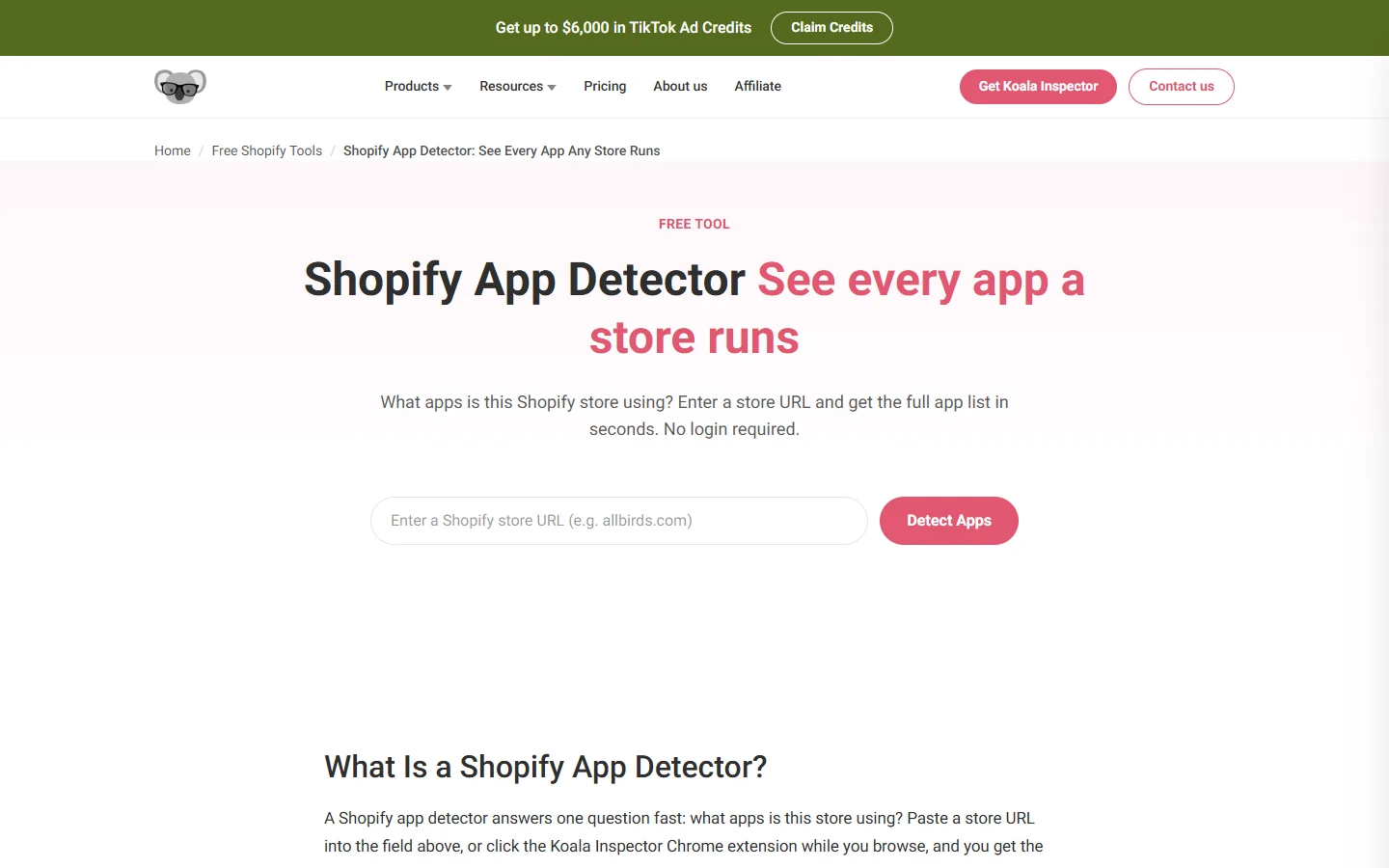
Koala Inspector is the most widely used tool in this category, available as both a free web tool and a Chrome extension. Paste a store URL and it returns the app list in seconds, no login required for basic checks. It also covers theme detection and best-seller research, which pushes it past a pure app detector into a broader store-research tool.
Pricing: Free plan with 15 tokens/month for premium checks. Premium at $22/month for 220 tokens/month. One-time token packs also available from $3.99.
- Good for: A first check on any store, with room to go deeper into traffic and ads if you need it.
- Weak point: Premium checks (traffic, ad campaigns) burn through the free token allowance quickly.
EachSpy
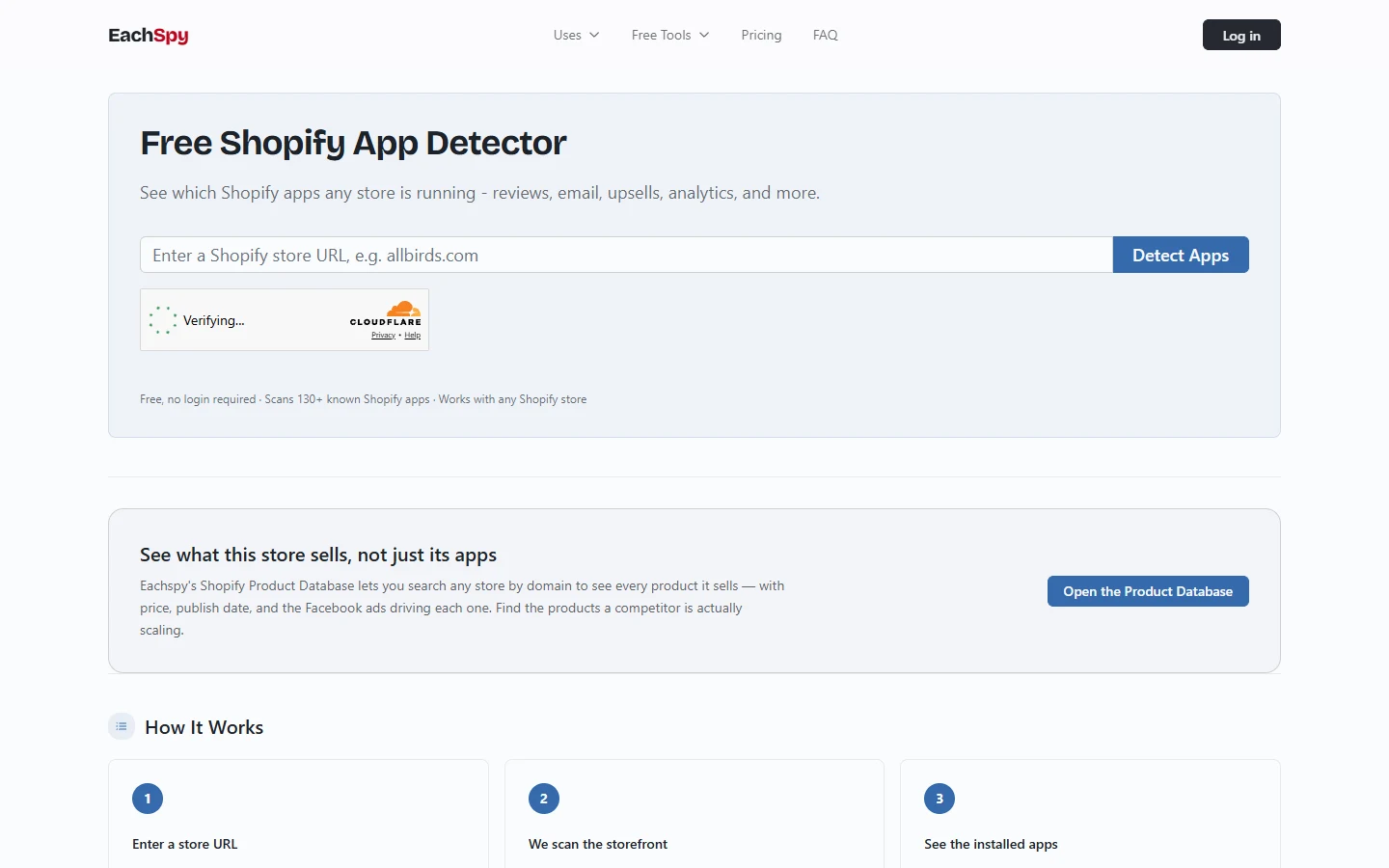
EachSpy is a purely web-based detector: no extension, no account, paste a URL and get results. It scans against a database the site states covers 130 or more known Shopify apps, and pairs the detector with a separate product database that shows what a store actually sells, alongside pricing and the Facebook ads driving each product.
Pricing: Free, no registration required.
- Good for: Quick, anonymous checks without installing anything or creating an account.
- Weak point: The product-database features go beyond app detection into paid-tier territory if you want the deeper competitive data.
Stackcrawler
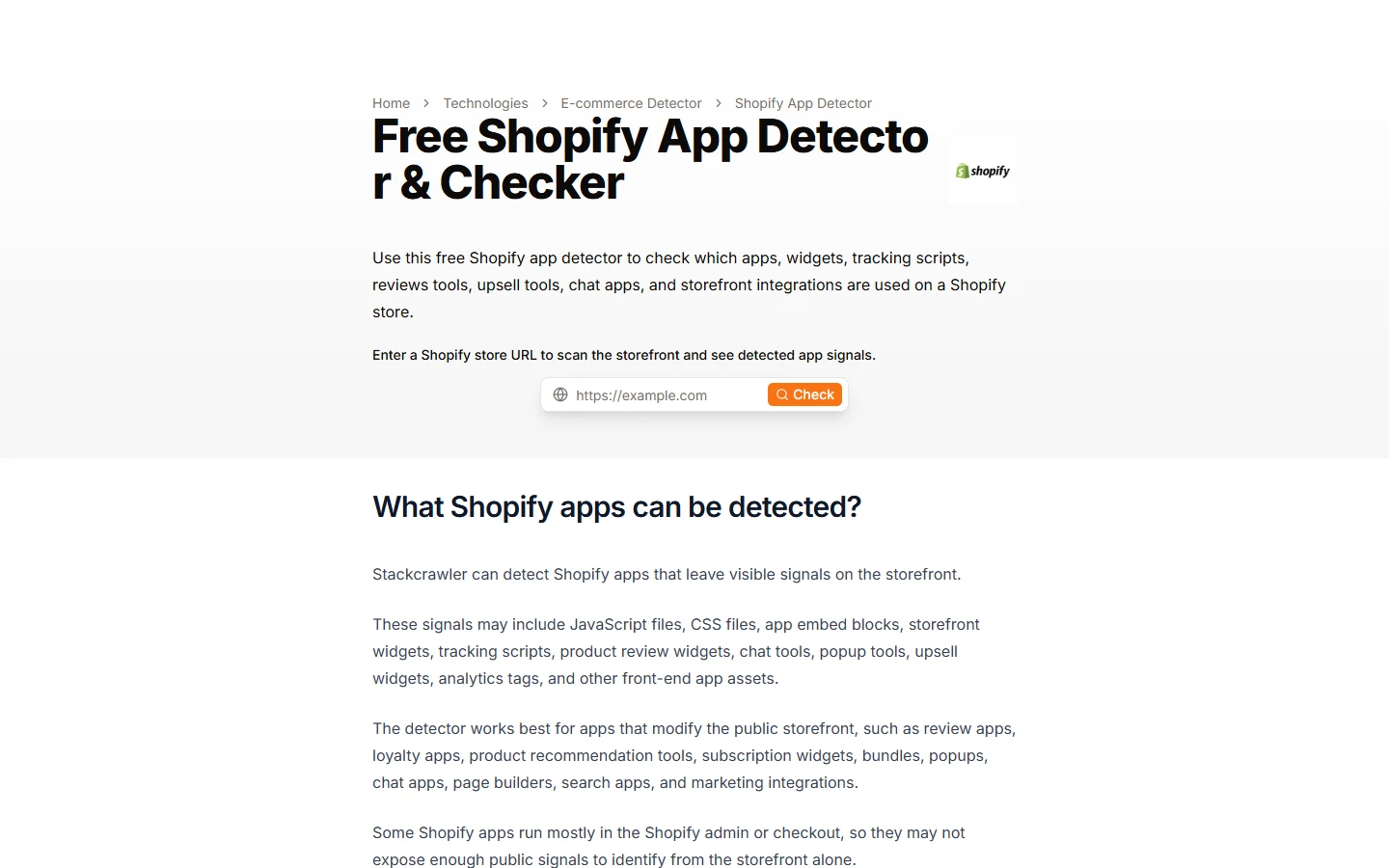
Stackcrawler is another no-account, web-based option, and it’s explicit about what it can and can’t see: it detects apps through JavaScript files, CSS, embed blocks, and storefront widgets, but is honest that apps running mostly in Shopify admin or checkout may not expose enough public signal to be identified from the storefront alone.
Pricing: Free, unlimited store checks.
- Good for: A straightforward check with clear, upfront caveats about detection limits.
- Weak point: A single-purpose tool; no broader store research features beyond the detector itself.
ECSPY
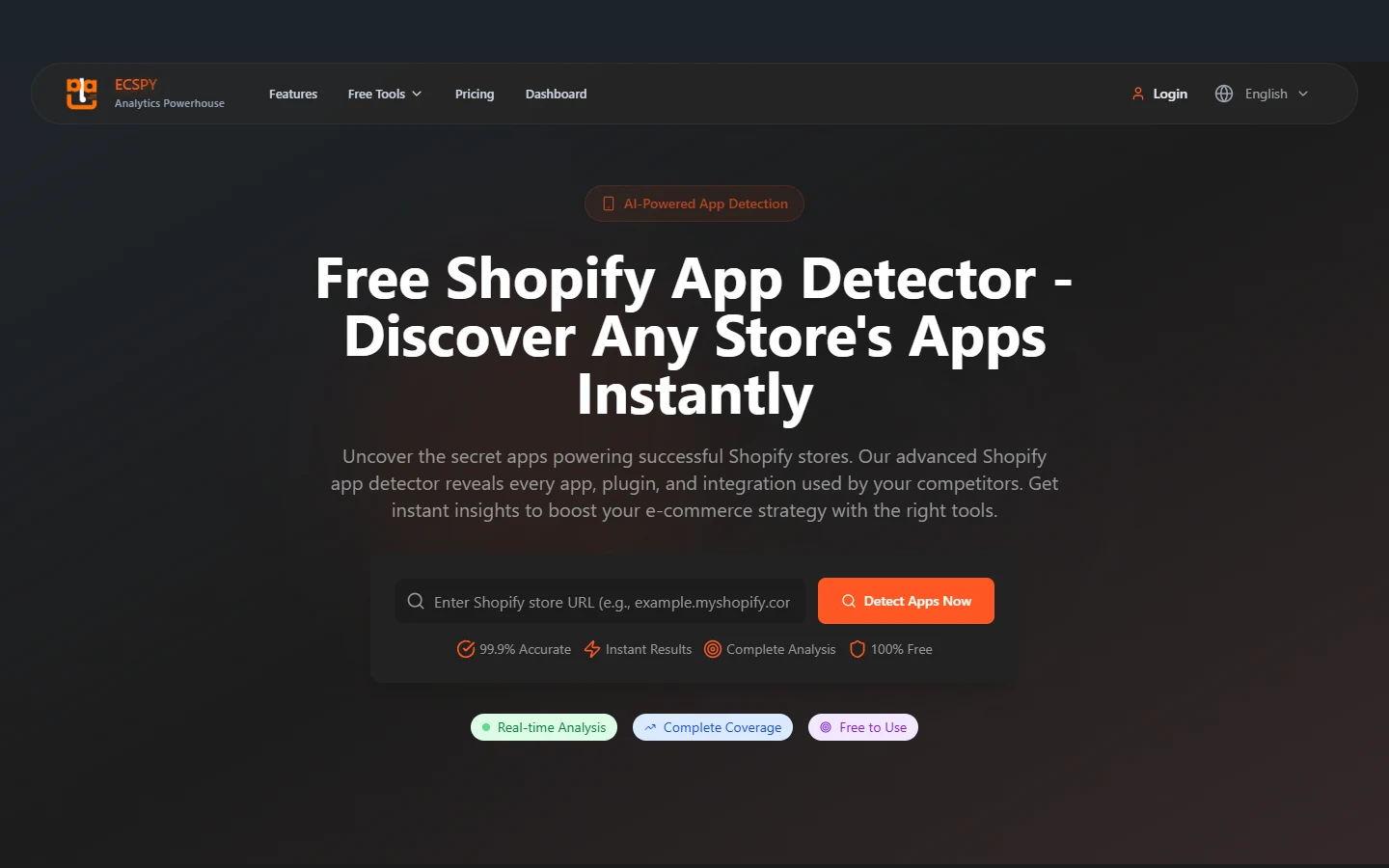
ECSPY is free with no account required, and markets itself on scale: it claims a database of over 10,000 tracked applications across 50 or more categories, with results in five to ten seconds. That “99.9% accuracy” figure is ECSPY’s own marketing claim rather than an independently verified number, so treat it as a claim, not a guarantee.
Pricing: Free, unlimited use, no premium tier mentioned.
- Good for: Checking stores that use less common or niche apps, given the larger claimed database.
- Weak point: Accuracy claims aren’t independently verifiable; cross-check results that matter against a second tool.
TrendTrack
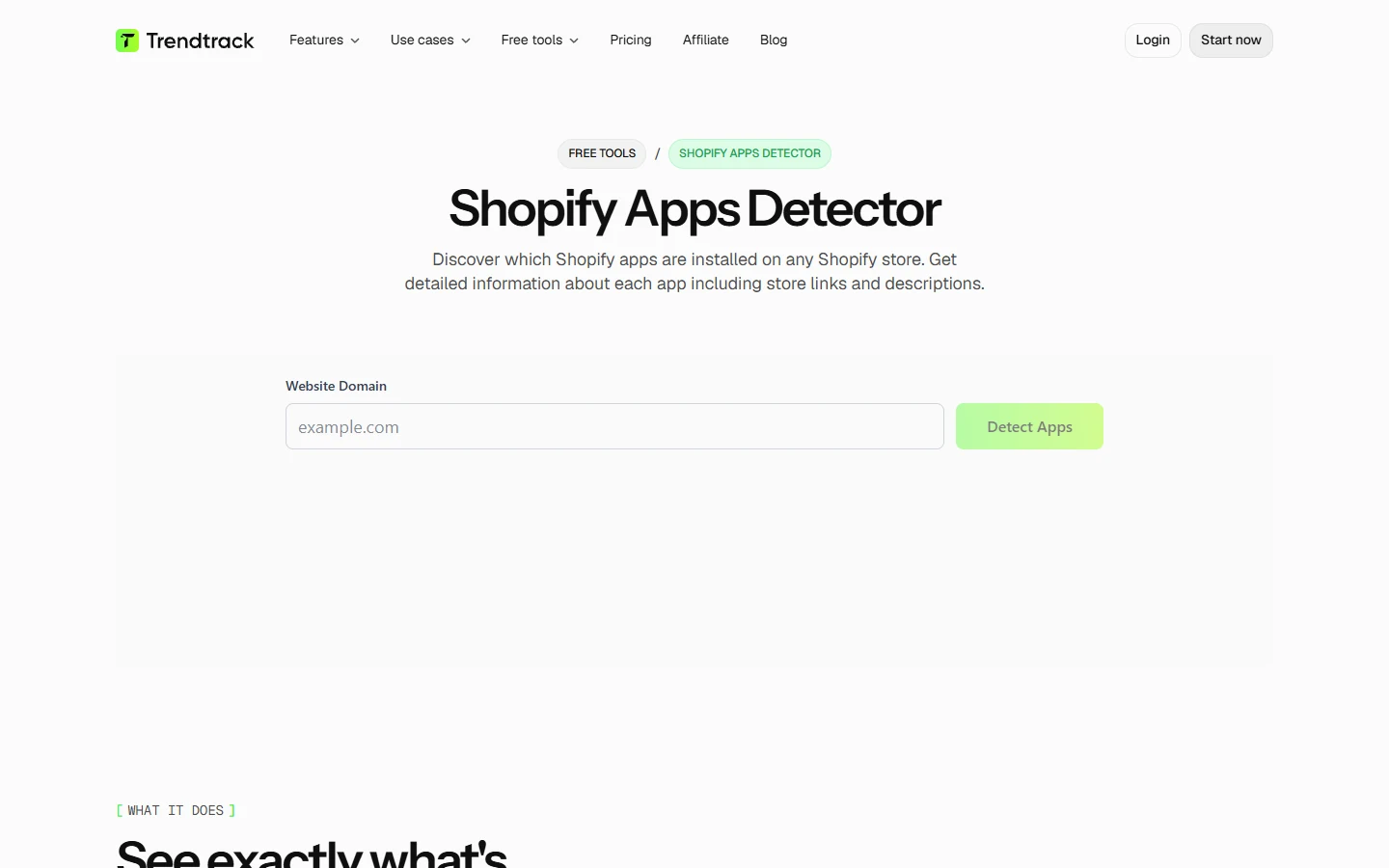
TrendTrack’s app detector is a free tool sitting inside a larger competitive-intelligence platform. Beyond naming the apps a store runs, it shows where each one appears in the customer journey, popups, cart flow, upsells, which is a level of context most detectors on this list skip.
Pricing: The app detector tool itself is free to use. Pricing for TrendTrack’s broader platform isn’t published on the tool page itself.
- Good for: Understanding not just which apps a store uses, but where in the shopping flow each one shows up.
- Weak point: Full platform pricing requires digging into TrendTrack’s separate pricing page.
ShopScan
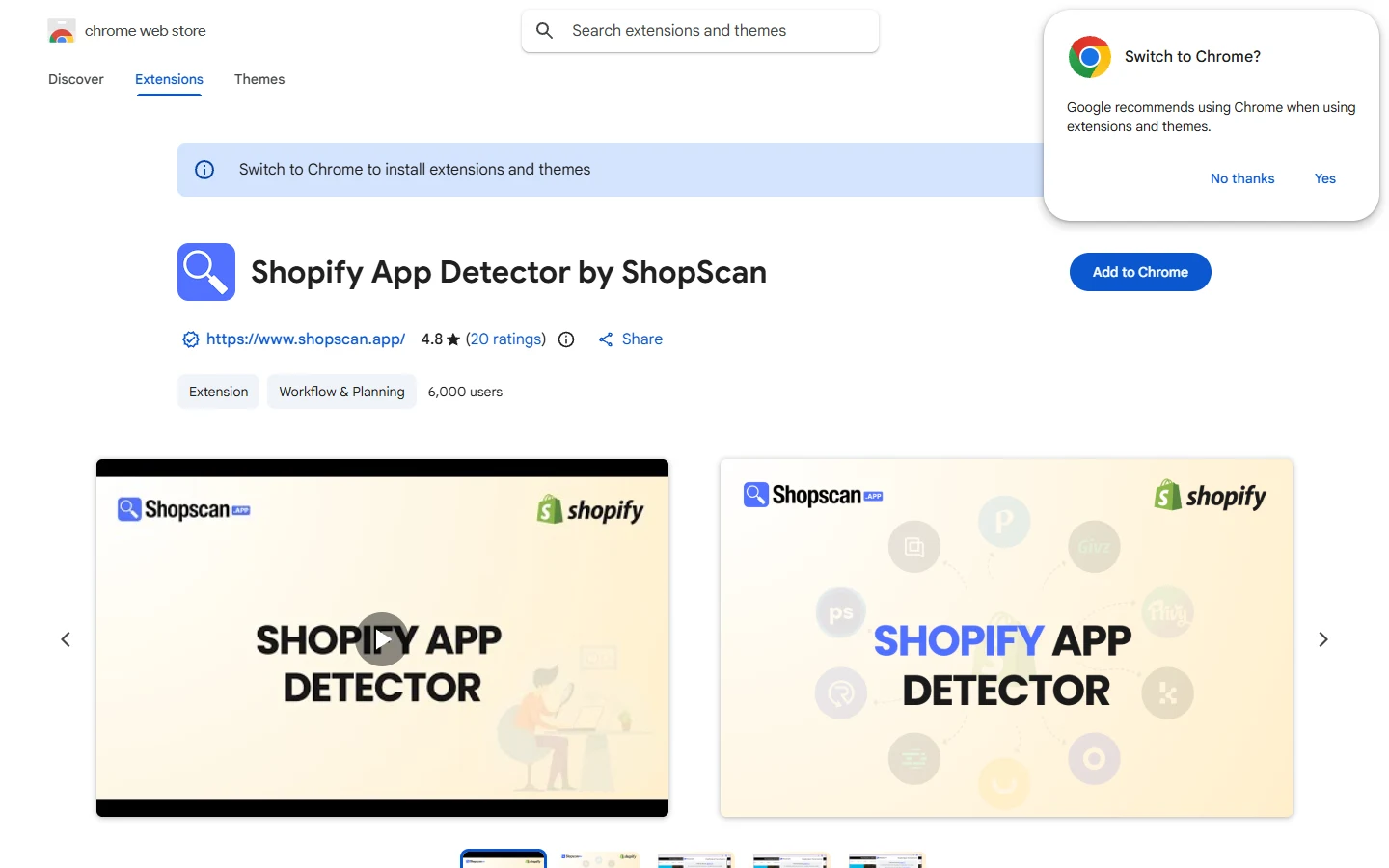
ShopScan is a Chrome extension rather than a paste-a-URL web tool, which means it scans automatically as you browse Shopify stores instead of requiring you to copy a link elsewhere. On the Chrome Web Store it holds a 4.8-star rating from 20 ratings and around 6,000 users at the time of writing.
Pricing: Free.
- Good for: Checking apps on the fly while you’re already browsing competitor stores, without switching tabs.
- Weak point: Requires installing a browser extension, which some people would rather avoid for a one-off check.
Bloggle App Detector
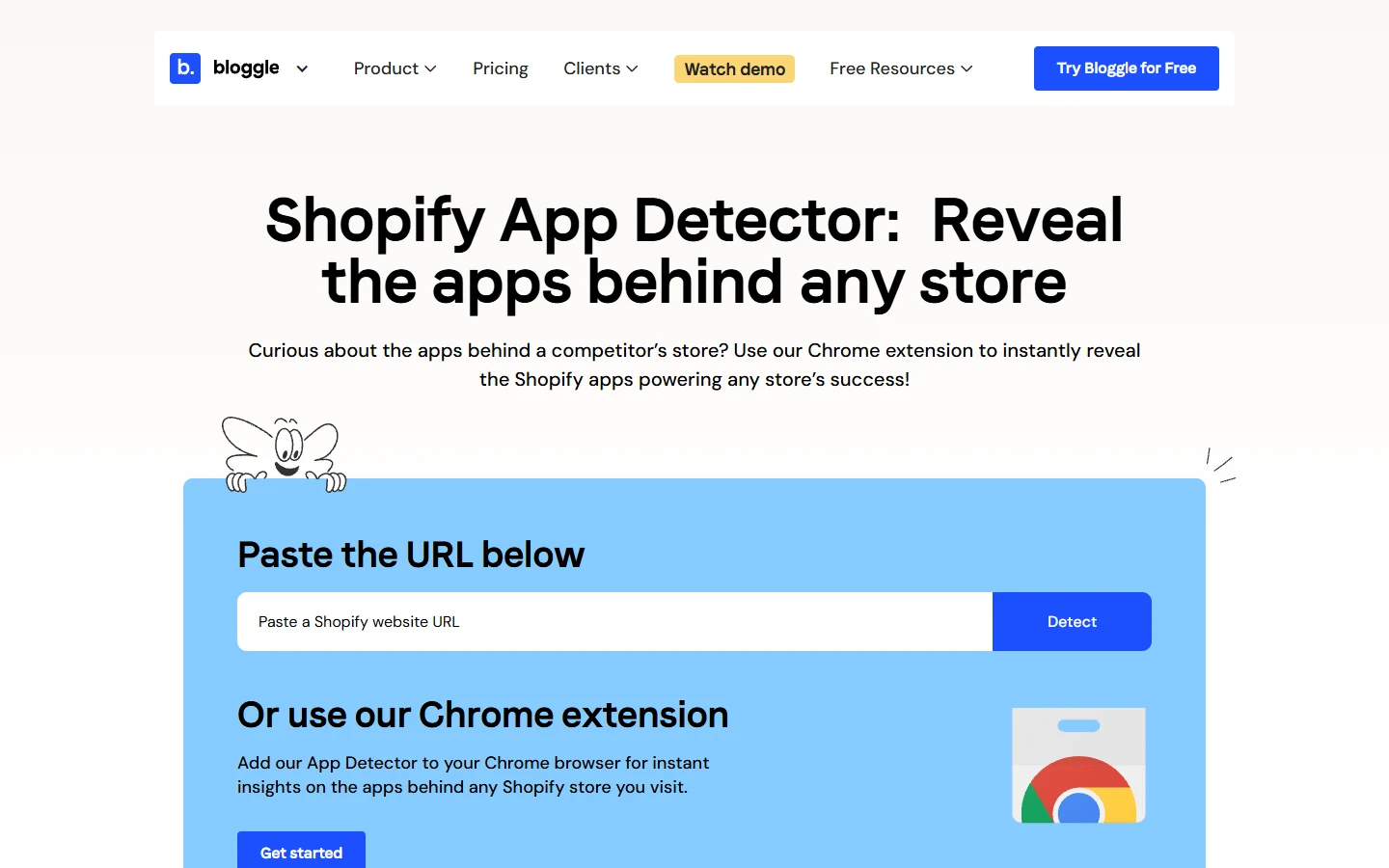
Bloggle offers both a paste-URL web tool and a Chrome extension version, giving you the choice between the two approaches other tools on this list commit to one or the other on. It’s worth noting here that Fera.ai’s once-popular Shopify App Detector extension has since been removed from the Chrome Web Store for not meeting Chrome’s current extension guidelines, so it isn’t included in this list; Bloggle is one of the active alternatives Google itself now surfaces in its place.
Pricing: Free app detector tool and Chrome extension.
- Good for: Either a quick web-based check or an installed extension, without picking a different tool for each approach.
- Weak point: Less established track record and review history than Koala Inspector or ShopScan.
SimilarWeb
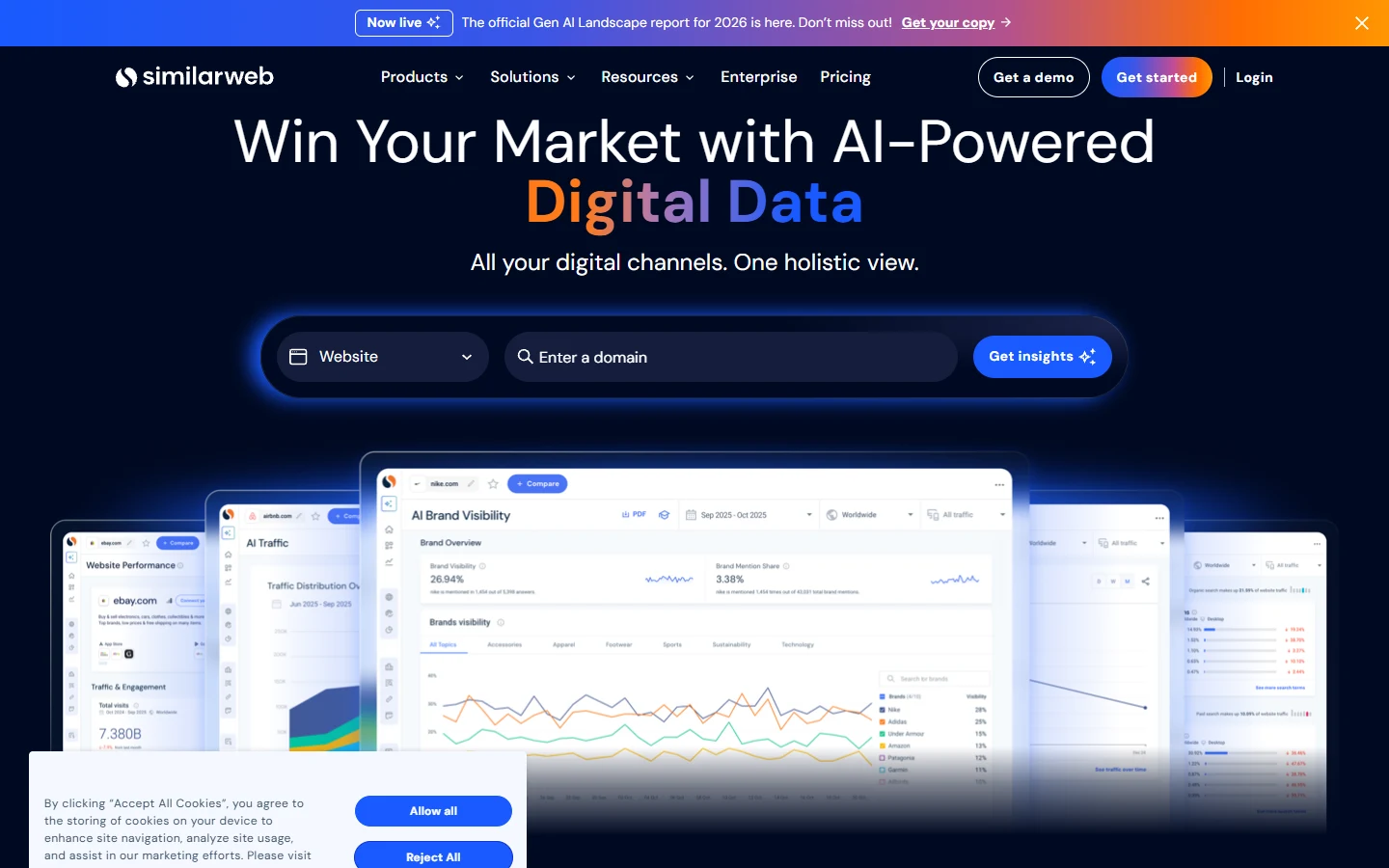
SimilarWeb isn’t a Shopify-specific tool; it’s a broad digital intelligence platform that happens to include technology detection as one small part of a much larger traffic and market-analysis product. If app detection is the only thing you need, SimilarWeb is significant overkill and cost for that alone.
Pricing: Starts around $125/month, with a free trial available.
- Good for: Teams that already need traffic and market data and want app detection bundled into the same subscription.
- Weak point: Expensive if app detection is genuinely the only feature you’ll use.
Ali Hunter
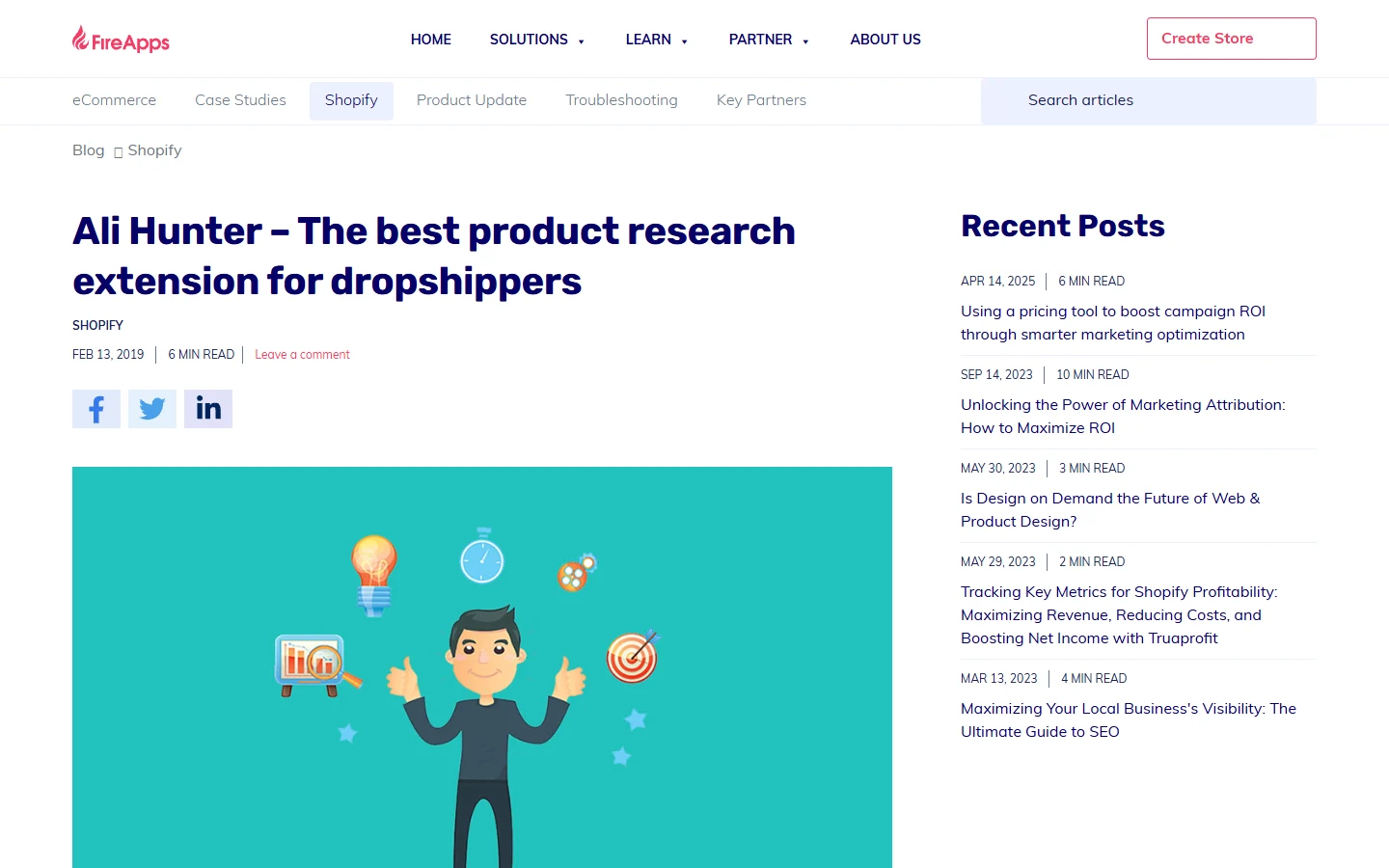
Ali Hunter is built for dropshippers specifically, pairing a “Shop Apps list” feature with AliExpress product-sourcing tools in the same extension. It shows a competitor’s installed front-end apps alongside their best-selling products and a direct trace back to the AliExpress supplier, which is a genuinely different use case from the standalone detectors above.
Pricing: No permanent free plan. Seven-day free trial, then $19/month.
- Good for: Dropshippers who want app detection combined with product-sourcing research in one tool.
- Weak point: The trial auto-converts to a paid subscription, so it’s not a tool to install and forget about.
ShopifyHunt
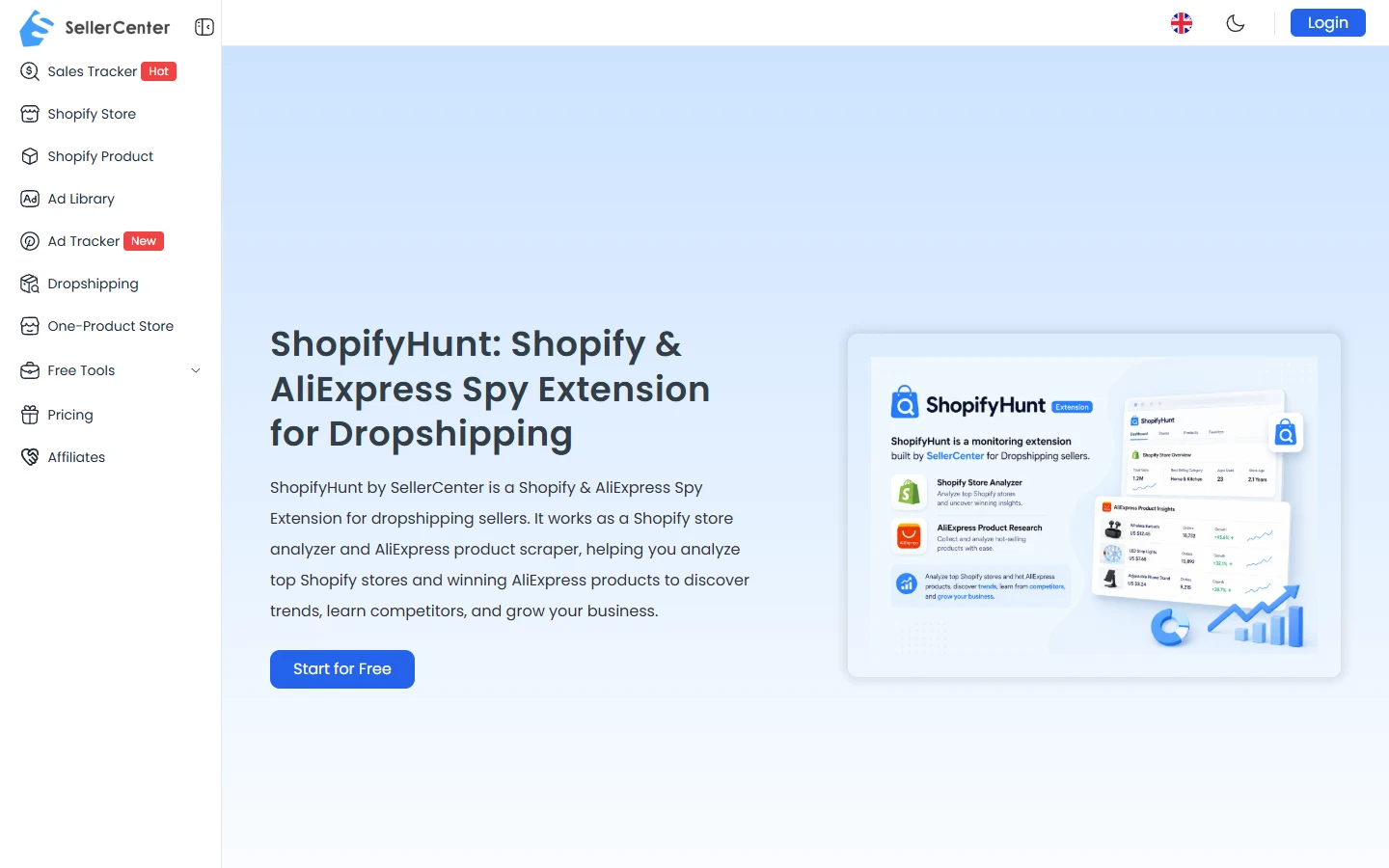
ShopifyHunt, built by SellerCenter, is similar in spirit to Ali Hunter: a dual-purpose extension covering both Shopify store analysis (products, sales estimates, ad campaigns, themes, installed apps) and AliExpress product research in one interface, plus a daily AI-selected product feed.
Pricing: Free trial after registration; specific ongoing pricing isn’t disclosed on the main product page.
- Good for: Dropshippers who want app detection as one part of a wider store and product research workflow.
- Weak point: Requires registration even for the trial, unlike the no-account web tools earlier in this list.
Free Tools vs Paid Platforms, Side by Side
| Tool | Format | Price | Best for |
|---|---|---|---|
| Koala Inspector | Web + extension | Free, $22/mo premium | All-round first check |
| EachSpy | Web only | Free | Anonymous, no-account checks |
| Stackcrawler | Web only | Free | Straightforward, transparent limits |
| ECSPY | Web only | Free | Niche or less common apps |
| TrendTrack | Web only | Free tool | Customer-journey context |
| ShopScan | Extension only | Free | Scanning while you browse |
| Bloggle App Detector | Web + extension | Free | Choice of web or extension |
| SimilarWeb | Web platform | From $125/mo | Bundled with traffic data |
| Ali Hunter | Extension | $19/mo after trial | Dropshipping + AliExpress sourcing |
| ShopifyHunt | Extension | Free trial, registration required | Store + product research combined |
Which One Actually Fits What You’re Doing
For a one-off check on a single competitor, any of the free, no-account web tools, EachSpy, Stackcrawler, or ECSPY, will do the job in seconds without asking for anything in return. If you’re going to be checking stores regularly, a Chrome extension like ShopScan or Koala Inspector’s extension saves the copy-paste step entirely. If you’re specifically dropshipping and sourcing from AliExpress, Ali Hunter or ShopifyHunt combine app detection with the product research you’re probably doing anyway, at the cost of a paid subscription. And if app detection is genuinely a minor part of a much bigger competitive research need, SimilarWeb bundles it into a broader platform rather than being a tool you’d choose for this feature alone.
Worth remembering regardless of which tool you use: none of these see backend-only apps, so a full picture of a competitor’s stack, particularly anything to do with ecommerce marketing automation running behind the scenes, usually needs more than a storefront scan to piece together.
Frequently Asked Questions
Are Shopify app detectors legal to use?
Yes. These tools only read publicly visible storefront code, the same HTML, JavaScript, and assets any browser loads when visiting a public store. They don’t access private data, admin areas, or anything not already served to every visitor.
Can a Shopify app detector see every app a store uses?
No. These tools detect apps that leave a visible trace on the storefront, such as widgets, tracking scripts, and embedded tools. Apps that run entirely in the background, like inventory or fulfilment tools, typically leave no public signal and won’t show up in a scan.
What is the best free Shopify app detector?
Koala Inspector is the most widely used and covers the most ground, but EachSpy, Stackcrawler, ECSPY, and Bloggle’s App Detector are all genuinely free, no-account alternatives that do the core job well.
Why isn’t Fera.ai’s app detector on this list?
Fera.ai’s Shopify App Detector Chrome extension has been removed from the Chrome Web Store for not meeting Chrome’s current extension guidelines, so it’s no longer available to install. Bloggle’s App Detector is one of the active alternatives Google now suggests in its place.
Do I need a Chrome extension, or is a web-based tool enough?
For occasional checks, a web-based tool like EachSpy or Stackcrawler is simpler since there’s nothing to install. If you’re checking stores regularly while browsing, an extension like ShopScan saves the step of copying and pasting each URL.